These are the minimum system requirements for installing Windows 11 on a PC.
- 1 gigahertz (GHz) or faster with 2 or more cores on a compatible 64-bit processor or System on a Chip
- 4 gigabyte Memory
- 64 GB or larger storage device
- Trusted Platform Module (TPM) version 2.0
Feature deprecations and removals
The start is significantly changed in Windows 11 including the following key deprecations and removals:
- Cortana will no longer be pinned to the taskbar
- Microsoft Edge with IE Mode replaces Internet Explorer 11
- The snipping tool and snip and sketch have been merged
- Named groups and folders of apps are no longer supported and the layout is not currently resizable.
- Pinned apps and sites will not migrate when upgrading from Windows 10.
- Live Tiles are no longer available. For at-a-glance, dynamic content, see the new Widgets feature.
The Taskbar is changed including:
- People is no longer present on the Taskbar.
- Some icons may no longer appear in the System Tray (systray) for upgraded devices including previous customisations.
- Alignment to the bottom of the screen is the only location allowed.
- Apps can no longer customise areas of the Taskbar.
New Features
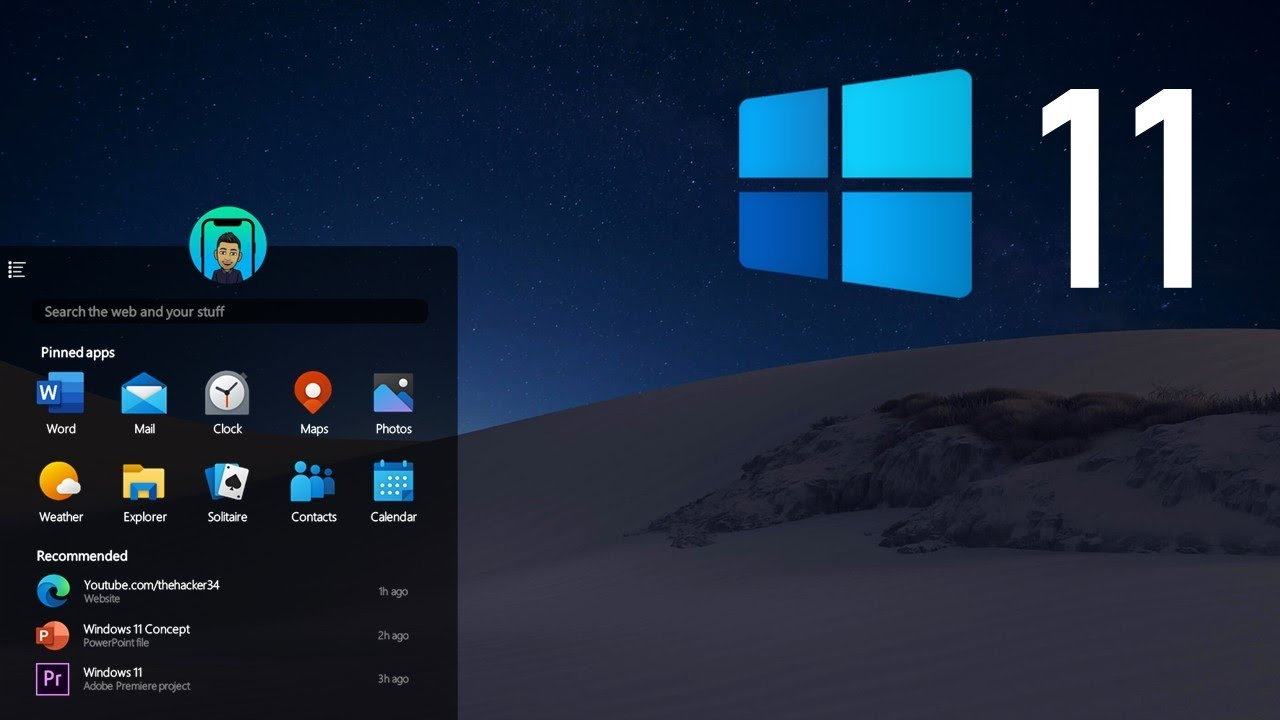
The first thing that will jump out at you is the placement of the Start button. Long located in the lower-left corner of the screen, it's now centred with the rest of the icons on the taskbar.
Microsoft Teams—the company's free messaging, calling, and videoconferencing app—is built into Windows 11. Launch video calls and start chats from a new Chat icon on the taskbar.
Microsoft replaces the old Task View button with a redesigned icon on the taskbar, which makes it easier to create and manage multiple desktops.
Windows 11 lets you more easily create separate virtual desktops for each part of your life, and customise them with different wallpapers.